Since its introduction, Instagram reel has become one of the most popular forms of content in influencer marketing. With social users having a short attention span, they find short videos to be an excellent option for providing entertainment while on the go.
When you encounter an interesting Instagram reel, you might want to save it offline for later viewing or share it on another platform. That often leads to questions on downloading an Instagram reel with sound. This article will guide you on how to do it.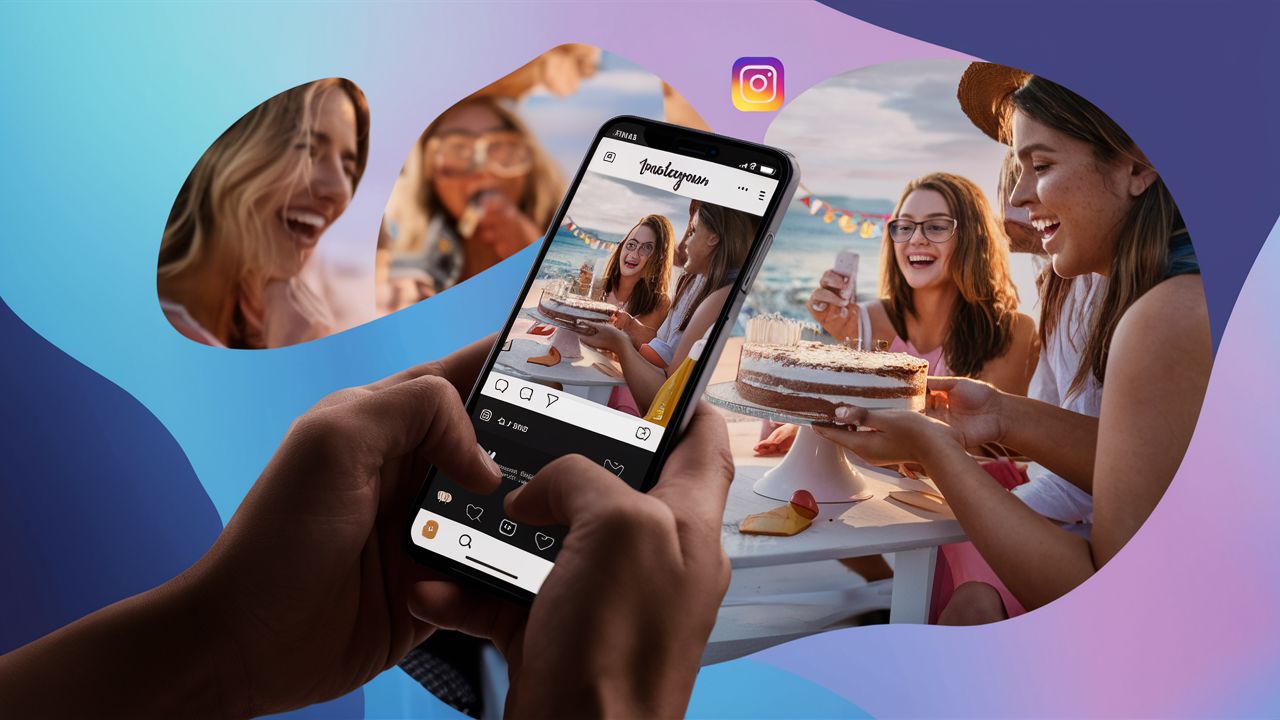
Saving Your Instagram Reel
By downloading and cross-promoting your reels on different platforms, you can quickly grow your Instagram to 1000 followers. Fortunately, downloading your reels is easy; you only need to save them to your image gallery.
First, go to your reels on the reels tab at the top of the profile. Tap the three dots on the reel you want to share. A menu will open, allowing you to share, save, or copy the link. Tap on save to device. The reel will be saved to your phone’s camera roll, where you can view it whenever possible.
Save Someone Else’s Reel Through Stories
Instagram stories are an excellent choice for good marketing results. If you want to download someone else’s reel, you can share it in your stories. It will automatically be saved to your device. After saving the reel to your camera roll, you don't have to keep it in your stories.
Instead, you can delete it, leaving the reel in your camera roll. If you don't want people to see that you shared the reel, you can create a closed friend list of only one friend. Here are the steps to follow:
- Tap on the share icon on the reel. The icon has the appearance of an airplane.
- Tap on Add Reel to the story with a closed friend list. If you want to close the reel with your friends, click Close Friends to share.
- Delete the story after you have posted. You can delete the reel if you want to download and not share it. To do that, tap at the top right corner of Instagram. Once you have shared the reel, click on the three dots at the bottom left corner. Click Delete.
The Official Instagram Way Of Downloading Reels
For a long time, Tik Tok has allowed users to download reels to share outside the app. Since people share these videos with the watermark of the video, this has made the platform very popular. With this realization and to improve user experience, Instagram also started allowing users to download reels.
In June 2023, Instagram company head, Adam Mosseri, announced that the feature would be available for users in the United States. However, he noted that it was only available for videos in public places. Again, for the download option to work, the video's owner must allow it to be downloaded.
To download videos, users need to tap on the share icon of the video before selecting the download option. Keep in mind that music from Instagram's library is only licensed for use inside the app, so it's removed from downloaded reels. Download reels for your own use, and always ask the creator before you repost their video somewhere else.
Downloading Instagram Reels Through Screen Recordings
No matter the type of video you want to download, this method will work as long as it's on your screen. The good thing about this method is that it will capture the reel with its sound. Here are the steps to follow when recording a reel to download it:
- Open the reel on Instagram.
- Tap on the screen recording to begin recording. Ensure that you also tap on the voice recording.
- Once the reel comes to an end, tap on Stop Recording.
- You can now find the recording on your reel in your gallery.
The downside of this method is that it might not capture the best quality of a reel. You may need to edit the video at the start so that you are only left with the beginning and end of the reel. Here are the steps to follow when doing that:
On an iPhone or iPad:
- Open the Photo App and tap the video.
- At the top, tap Edit.
- Drag the arrow to the right, beginning at the timeline below the video.
- Tap on Done and select Save Video.
On Android:
- Open the Google Photo app and tap Video. The gallery app will also work for Samsung Galaxy users.
- Tap the video to bring up the controls.
- At the bottom, tap Controls.
- Tap on the edit button.
Final Thoughts
Downloading an Instagram reel lets you watch it offline or share your own work on other platforms. If a reel uses music from Instagram's library, the official download comes without that music, because the music is only licensed for use inside the app. Respect that, keep downloads for your own use, and ask the creator before you share anything that isn't yours. We recommend that you also read our guide on how to get better campaigns on Instagram.