Instagram Stories are quick, personal and easy to tap through, which is exactly why they're hard to keep fresh. Coming up with new designs every day takes time most creators don't have.
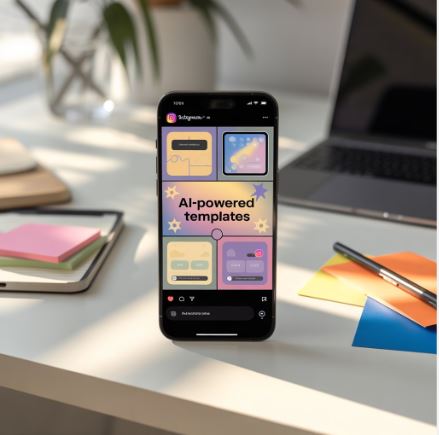
AI-powered templates help with that. Tools like Canva, Adobe Express and CapCut can suggest layouts, colors, text and animation from a short prompt or a few uploaded photos.
In the past couple of years, AI tools have moved from suggesting font pairings to drafting whole story sequences, including the text on each frame.
This guide covers how AI story templates work, how to pick a tool, and how to use them without making your stories look generic.
How AI Templates Change Story Design
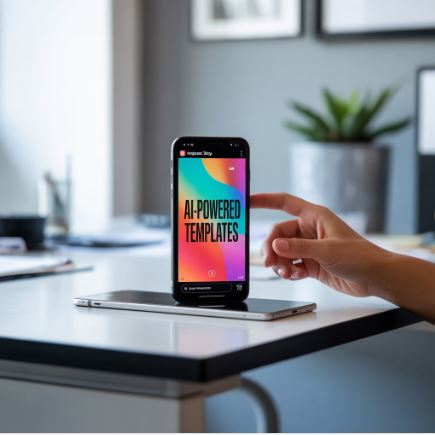
Older templates were fixed layouts you filled in. AI templates adapt. They pick a layout that suits your photos, resize text to fit, and suggest motion and colors that match your brand.
Upload a few product shots or behind-the-scenes clips, and the tool can produce several versions of a story, for example one built around a launch and one around a tutorial.
That makes it easy to A/B test two designs: post one version this week and the other next week, then compare the results in Insights. Good storytelling still matters most, but testing shows you which layouts your followers respond to.
Where to Find Useful AI-Powered Instagram Story Tools
Plenty of design tools now advertise AI, but they vary a lot. Some offer ready-made templates with an AI layer on top, while others generate a design from a text prompt.
Look for tools that connect to Instagram or a scheduler, keep your brand kit, and offer animated and interactive templates. Some also suggest captions and hashtags.
Whether you're a creator, a musician or an online shop owner, the right tool can cut your content creation time a lot.
A few connect to your analytics and suggest when to post, based on when your followers are usually online.
Personalizing Stories for Different Followers
Stories go to all your followers, but you can still plan different sequences for different groups. AI tools make it quick to create variations, for example one series for new followers and another for longtime fans.
A welcome series might introduce who you are and what you post, while a series for regulars could share early access or behind-the-scenes content. Instagram's Close Friends list lets you show a story to a chosen group only.
Learning From Your Audience
Instagram Insights shows taps forward, taps back, exits and replies for every story. Some AI tools pull in this data and point out patterns.
Over time you'll see when your followers watch, which visuals keep them on a frame longer, and which calls to action get taps.
If a story loses viewers quickly, try a different first frame or a shorter sequence next time.
Keeping Your Branding Consistent
Consistent branding means more than one color scheme. Your stories should share a tone, a look and a few recurring elements, whatever the topic.
Most AI design tools let you save fonts, colors, logos and recurring elements like taglines or stickers, and apply them automatically.
When you plan content with AI tools, your brand settings carry over to every new story, so a product announcement and a casual behind-the-scenes clip still look like they come from the same account.
You don't have to style every frame by hand, which leaves more time for the content itself.
Adding Interactive Elements
Interactive stickers give followers a reason to do more than tap through. Polls, quizzes, question boxes, emoji sliders and countdowns all invite a response.
Many AI templates leave space for these stickers or suggest which one fits the story, such as a poll for a product choice or a countdown for a launch. You add the sticker itself in the Instagram app.
Replies and sticker taps show Instagram that people care about your stories, and they give you direct feedback from your audience.
Scheduling Story Campaigns
You can schedule stories ahead of time with Meta Business Suite or third-party schedulers, so you don't have to post every frame by hand.
Some tools suggest posting times based on when your followers are active.
For a product launch, you can plan a whole series in advance: teasers a few days before, a countdown sticker, the reveal on launch day, and a follow-up that answers common questions.
Scheduling keeps you visible without having to be online all the time, and it frees up time for creative work.
Reviewing Performance
Check how each story performed after it expires. The numbers stay available in your professional dashboard.
Look at completion (how many people saw the last frame compared with the first), exits, replies and sticker taps.
If one style of animation or layout keeps doing well, save it as a template and use it again.
Higher numbers aren't the point on their own. What you're after is a clearer idea of what your audience wants to see.
Templates for Different Goals
Stories serve many purposes: launches, behind-the-scenes, polls, announcements, testimonials or simple check-ins. Keep a template for each, and only use real customer feedback in testimonial stories.
For traffic, use a clear link sticker, an arrow pointing to it and short copy. For storytelling, use more frames, less text and a stronger visual flow.
Having the right template ready for each goal saves time and keeps your message clear.
Team Workflows
In agencies and larger teams, stories often go through several people before they're posted.
Design tools with team features let you share template libraries, set roles, and collect comments and approvals in one place.
Some add AI checks that catch typos or off-brand colors before a story goes out.
Beating Creative Block
Everyone runs out of ideas sometimes, and AI tools can help here too.
Ask a writing assistant for story ideas based on your niche, the season or questions your followers often ask.
Treat the suggestions as a starting point and add your own experience and opinions, so the result doesn't sound like everyone else's.
If you're managing a content calendar across several platforms, turning an AI suggestion straight into a template saves a lot of time.
Conclusion
Instagram Stories have become one of the main ways creators and brands talk to their audience, and keeping up takes a lot of content.
AI templates help with design, interaction ideas, scheduling and inspiration when you're stuck.
Most of all, they give you back time to spend on your ideas and your community.