To succeed with your YouTube channel, you must get the right equipment. Before you pick up your camera and start shooting videos, you should remember that the quality of your equipment is one of the factors that will determine the quality of your videos. When you create high-quality videos, users will likely engage more with them, resulting in a higher ranking on YouTube.
However, if you are starting a YouTube channel, you might not have the resources to buy high-tech equipment. In fact, the majority of YouTubers often begin with a mobile phone. Thus, you need several essential pieces of equipment to create videos for the best balance between quality videos and cost savings. This article will guide you through the equipment you need to make quality videos while keeping your costs low.
Factors Affecting the Choice of YouTube Equipment
Before you select your YouTube equipment, consider these factors:
User Experience
A common mistake that beginner YouTubers make is overlooking the viewer experience when creating videos. They do not consider the person watching the video, the gadget they use to watch the video, and how they value the content. Understanding these things can easily affect the type and quality of equipment users invest in.
Type of Content
If your audience is primarily watching the content on their phones, you don't need to invest in 8K resolution video equipment. Instead, you will do well with a 2K or 1080P video. On the other hand, If you are creating complex content such as tech reviews, you might need a high-resolution camera. If you are a travel vlogger, a phone camera might be enough.
Budget
YouTube equipment can range from less than $100 to thousands of dollars. That means you must determine how much you can spend on YouTube equipment. After that, you can then select equipment that is within your budget. You can also start with essential equipment such as a computer web camera, mobile phone, and microphone. However, as you progress, you need to invest in better equipment to improve the quality of your videos. There isn't an upper limit on the amount you can spend if you want to produce quality videos.
Best YouTuber Equipment for Beginners
If you are a beginner in creating YouTube videos, you might want to consider these pieces of equipment.
Camera
If you are shooting videos, it goes without saying that a camera is one of the must-have essentials.
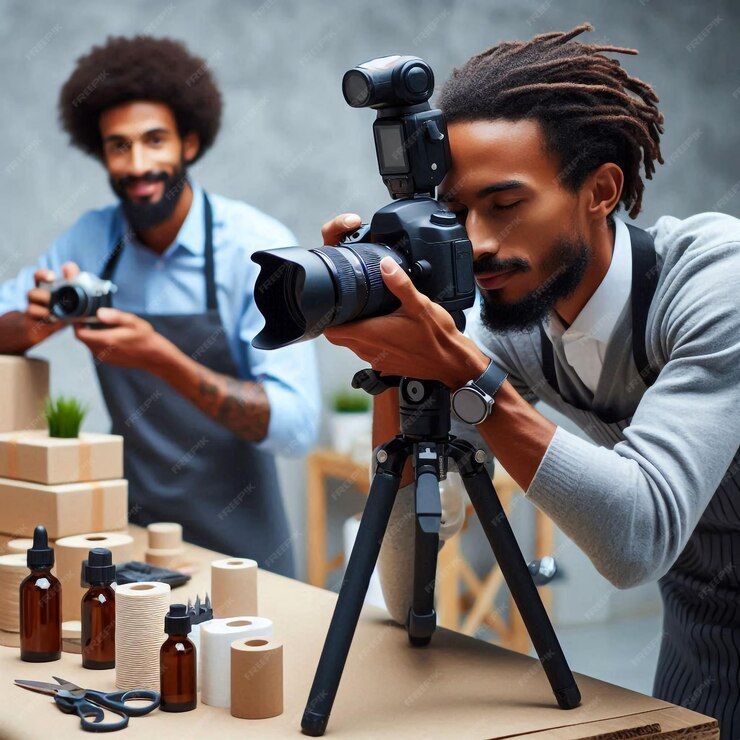
The good news is that cameras are now in different forms, such as:
- Smartphone camera. Today, smartphones have excellent cameras that allow you to shoot high-definition or even 4K videos. This can be a good camera if you are a beginner searching for a simple setup.
- Action cameras or GoPro. You might need an action camera like GoPro to create travel vlogs or action shots. It is usually compact and durable and provides excellent video quality.
- DSLR/Mirrorless camera. If you want to create professional-quality videos, these cameras are great camera options. That’s because they have a great depth of field and perform excellently in low-lighting conditions. They also come with interchangeable lenses.
- Camcorders. These have been made for video recordings and are usually compact, affordable, and versatile.
- Webcams. If you will be recording in front of your PC, a webcam is an excellent choice. It allows you to record in full HD.
Lighting Equipment
You need to order lighting equipment if you will be recording indoors and in areas with low lighting. This is important as lighting can make or break a video.
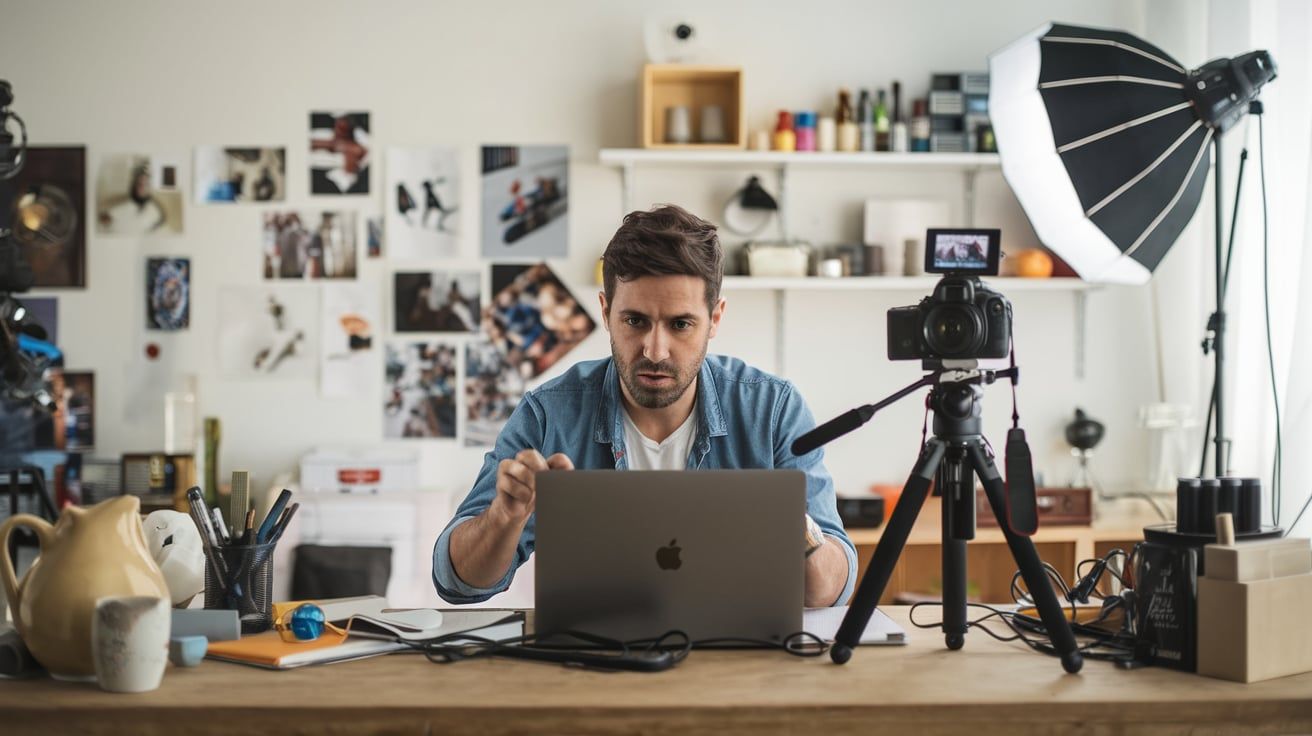
Here are some lighting options to consider:
- Natural light. If you are on a budget, you can consider shooting your video in an area with a lot of natural lighting. All you need is to shoot the video near a window or outside during the early morning or late afternoon.
- Led light boxes. These are usually very common in most vlog setups. This is because they are small, lightweight, and powerful. Some models, such as Aputure MC, even allow you to change the color and temperature. They can also be mounted on a camera for additional lighting. If you need to add depth and light to a scene, you can even place them in the background.
- Softbox light is a good choice for tutorials, vlogs, and other videos in which you will be showing your face.
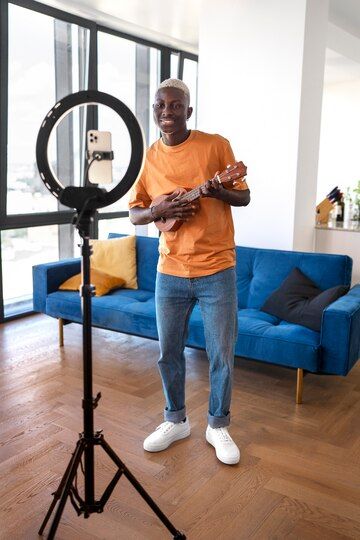
- Ring lights are usually a good choice for setting up a studio. They add soft, diffused light to reduce harsh shadows. These suit those who vlog on their smartphone or are in the beauty industry. They produce a nice and even light that focuses on the eyes of the subject.
Good lighting can help you improve the quality of your videos and grow your YouTube channel.
Audio
Most YouTubers overlook the audio quality even though this is one factor that keeps users engaged. Some of the audio options you can consider are:
- Built-in microphone. The majority of phones and cameras feature a built-in microphone. However, this may not be the right option for getting professional-quality audio.
- Lavalier mics. If you will be creating vlogs or interview videos, consider lavalier mics. You simply clip them on your clothes and, therefore, add clear audio.
- Shotgun mics. These are often mounted on the camera and are mostly used to capture directional audio.
Memory Card
If you use a digital camera to shoot, you need a memory card to store your videos. You should have at least two memory cards to use the second one if one misbehaves when shooting. You will also need to ensure they have enough space to keep your many hours of recording.
Transferring the videos from the memory card to an external hard drive as soon as possible is advisable. Empty the cards regularly, too. You don't want a situation where you will spend an hour sorting through footage for three different videos. Instead, organize the footage on an external hard drive.
Camera Batteries
If you want to enjoy a steady workflow when filming, you need at least two batteries for your camera. Otherwise, you might spend hours setting up, only for the batteries to die after ten minutes of shooting. Many entry-level mirrorless cameras only record for about an hour on one battery. If you are shooting for longer hours, you might need at least three batteries to remove the stress of worrying about the camera's life.
Tripod
A tripod is another key piece of equipment for YouTube shooting. It helps you to steady your camera when shooting, providing you with professional footage. Propping your phone on a stack of books tends to give you shaky, crooked shots. You will then be left wondering why your videos are not receiving any traction.
There are several types, such as traditional tripods, which are suitable for stationary shots. Another option is gorilla pods, which are flexible and can be wrapped around objects at unique angles. A good idea would be to choose an adjustable tripod for vertical footage if you want to shoot social media videos.
There is also the handheld gimbal, which is perfect for stabilizing the video when moving around. If you don't want to use a tripod, consider a gimbal stabilizer. This has a 3-axis stabilization and a long battery life. Each of these is a good choice for different filming conditions. However, the goal remains to provide stability and reduce camera shakes, ensuring precise framing.
Creative Assets to Use in Making YouTube Videos
On top of the above equipment, you also need several creative assets. These are:
Video Editing Software
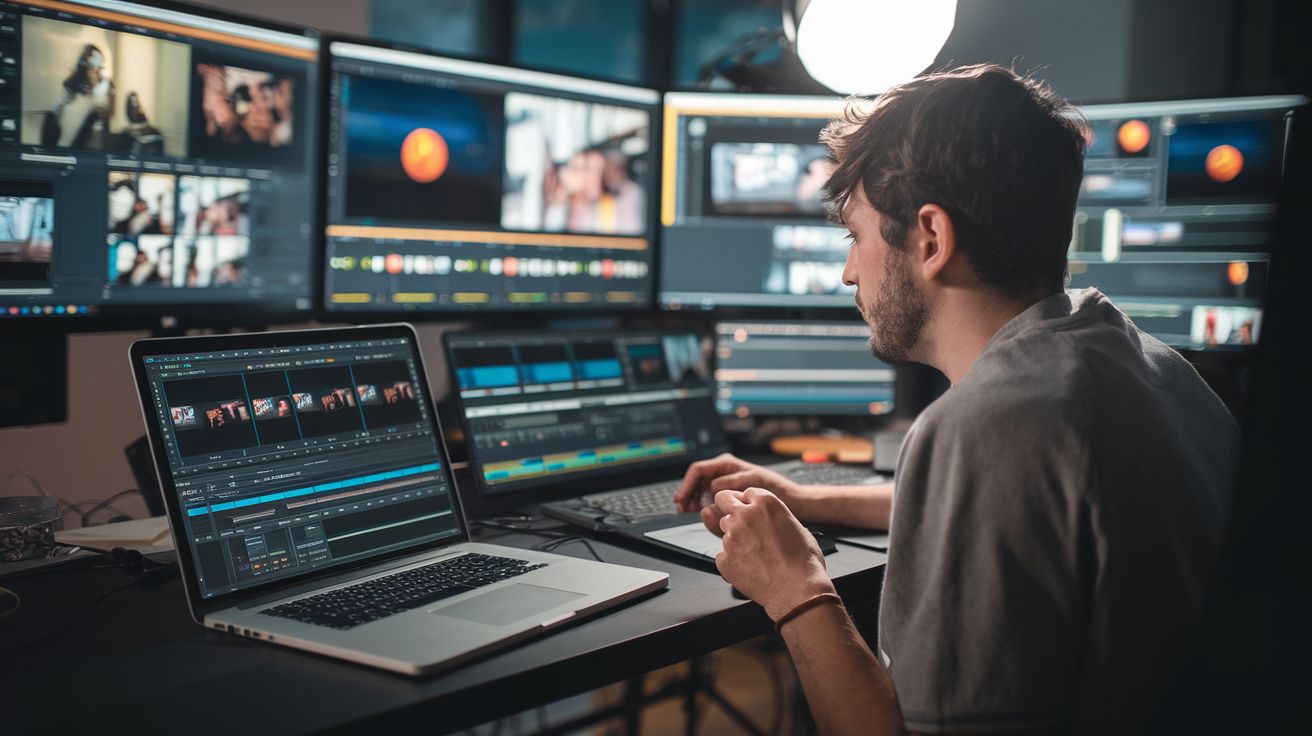
After capturing your video, you must edit it to look professional. Even if you have a well-made video, it can fail to gain traction if poorly edited. That means the quality of editing is also essential to the success of a YouTube video. A good edited video will increase your views and your number of subscribers.
Editing also helps to stitch your story together and cut out all unnecessary scenes that would otherwise leave viewers bored. Therefore, you need to select the right video editing software. Some of our top recommendations are :
iMovie
This is one of the most popular YouTube video editing software because it's free, making it suitable even for beginner creators. Besides, it's easy to use, making it ideal for users without technical editing skills. Its main downside is that it only runs on Apple devices (Mac, iPhone and iPad).
Capcut
This is another surprisingly popular video editing software for Android and iOS users. It is made by ByteDance, the company behind TikTok, which explains why so many TikTok creators use it. There is a desktop version too, and it handles landscape videos as well as vertical ones. The free version covers the basics, but several of the best features now need the paid Pro plan. All in all, it can be used to make YouTube Shorts for marketing products.
FCPX
If you are a user of Apple devices, you can count on Final Cut Pro (it was called Final Cut Pro X until 2020), a professional editing tool developed by Apple. The program is excellent, but you must use Apple devices to access it. It has a learning curve that makes it a bit technical for beginners. However, you can create professional YouTube videos once you understand how it works.
Premiere Pro
If you aren't a user of Apple devices but need professional grade software, consider Adobe Premiere Pro. One of the advantages of the software is that it combines well with other Adobe Pro software, such as Illustrator and After Effects, and is an excellent choice for professionals making YouTube videos. The main downside of the tool is that it is expensive and comes with a steep learning curve, just like FCPX. However, once you have it, you can be assured of everything you need.
Royalty Free Music
One of the challenges you are likely to face when creating YouTube videos with a monetization goal is the strikes resulting from copyright infringement. YouTube is very strict about this, and it may even lead to the taking down of your account. That is why one of the creative assets you need is royalty-free music. Fortunately, there are resources you can use to find such music, such as the free YouTube Audio Library or paid services like Artlist.
Sound Effect
Sound effects are also significant and can help amplify your audio's effect. However, just like in music, you must ensure that you use royalty-free sounds. Otherwise, you risk having your account deleted. This is a great creative asset for creating a viral YouTube marketing strategy.
Stock Videos
If you don't have the time and resources needed to capture videos, you can use royalty-free stock footage to create stunning YouTube videos. However, when doing that on sites such as Pixabay, you want to ensure the video is royalty-free.
Templates
Creating YouTube videos with animations, motion graphics, and intros can be time-consuming. Fortunately, you can rely on a video template to make your work easier. Such templates can enhance your video creation process and take your videos to a whole new level.
Understanding the Basic Video Aspect Ratios
To ensure a good user experience, you must understand the different aspect ratios for shooting YouTube videos. Here are the various options and their suitability:
- 16:9. This is the recommended aspect ratio for YouTube videos and TV screens. You can use it to create landscape videos.
- 1:1. This is a good option for Instagram feed videos as it has a square format.
- 9:16. This is recommended for TikTok videos and Instagram stories.
- 4:5. If you post Instagram or Facebook videos that take up more space on the feed, this aspect ratio is a good idea, as it will increase the visibility of your content.
Once you know these formats, you can frame each shot for the platform it is meant for. That also makes it easier to cross-promote your YouTube videos on other platforms.
Conclusion
With the recent boom of the creator economy, YouTube provides an excellent opportunity for creators to make money. If you plan to start making YouTube videos, one of the most important decisions you should make is the choice of equipment.
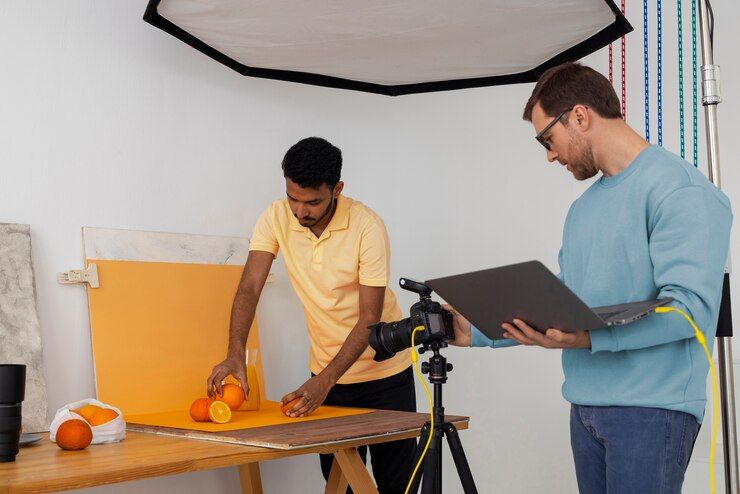
From the camera to the tripod and lighting equipment, there are specific basic equipment you need to have. You also need to have creative assets to enhance your video creation process. By reading our guide, you will get insights on everything you need to make a quality YouTube video at an affordable price.