When social media first became a thing, you could only post pictures and posts as a means to engage your audiences.
But now, things are different!
Nowadays, you can keep your audience up-to-date with everything that you’re doing through real-time updates, and the best way to build this sort of engagement is through live streaming.
Instagram is a big name and brands love using this app for all the right reasons. What adds to how good the app is, is its live streaming features.
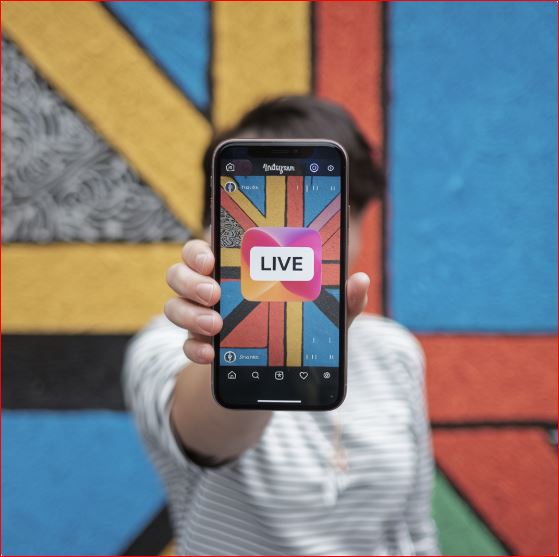
Instagram is a go-to place for real-time interactions. Unlike the pre-recorded content that you would normally see in your daily feed, Instagram Live lets users communicate directly with their audience which creates an unfiltered exchange of thoughts and experiences.
As you read on, you’ll be going over all there’s to know about Instagram Live. From the basics, to practicing how you can get the most from this feature, as well as some problems you might run into. Let’s get to it!
Going Over What Instagram Live Really Is
The ability to connect with an audience in real-time is outlandish but also crucial.
Traditional ways to market your products aren’t as effective as they used to be, and that’s no surprise. You see, the market is already filled to the brim with traditional marketing strategies. However, you won’t need those when you have social media platforms to market your products.
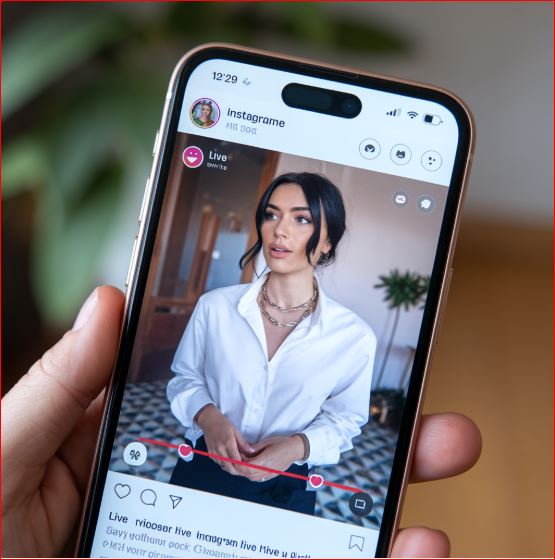
With Instagram Live, it’s all about keeping the audience connected. When you go live on Instagram, your followers immediately get a notification which updates them, ensuring that you can get a lot of your followers to join in.
During the live, viewers can comment, send reactions/emojis, or even join as long as whoever is hosting the live wants to invite them. In turn, this helps create a great interactive experience.
Plus, just consider everyone’s attention spans nowadays. Almost non-existent! Live streaming can help grab those short attention spans in a way that static posts or pre-recorded videos can’t. Instagram also helps you by prioritizing live videos in your follower’s feeds.
This is done by getting your account to stand out in the story section of people’s feeds. This allows brands to gain more visibility and boosts the chances of bringing new followers.
Starting a Live on Instagram
Starting a live stream on Instagram is quite simple.
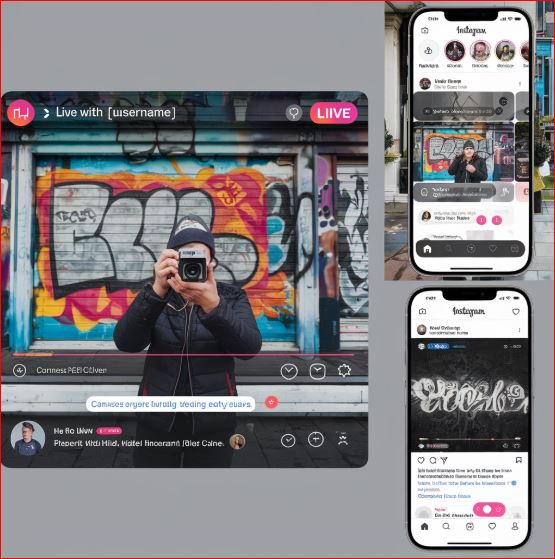
Begin by heading to the Instagram app and opening up the camera. Simply just swipe right once it’s open. From there, you will see the “Live” option toward the end of the screen. Click it.
A key tip is that before you go live, do some tests. Is your camera and mic working the way it should? Once you’re sure, then focus on the rest.
You can also adjust privacy settings like limiting who can comment or join your streams. Additionally, you can add co-hosts to host your live stream.
Once you’ve got everything set up, tap the “Go Live” button. Instagram will also notify your followers that you’ve gone live. As you’re streaming, you can engage with your viewers through their live comments, by answering questions and even pinning an important comment.
Additionally, while you’re streaming, you can send out notifications letting your followers know that you are streaming. To end the live session, you just have to click on “End Live Stream.” When you do that, you’ll automatically be asked whether you want to save or share the live stream to anyone who’s missed it.
Why You Should Be Using Instagram Live
One of the main advantages of Instagram Live is its ability to help people in enjoying real-time interactions.
Unlike the traditional social media posts that we see from day to day, a live stream allows for an immediate reaction. There is no reason to wait for slow responses from your followers!
This instant communication builds a deeper connection with viewers and feels very natural. The viewers also feel as though they are part of your conversations, rather than just being bystanders watching your stream.
Another advantage is the overall cost effectiveness. For brands, you always want to look for ways to minimize costs. Instagram Live can help with that!
Now television broadcasts or high budget promo videos require a higher investment. While they can bring a lot of viewers, it’s not necessarily a good pick considering how much you’ll have to spend.
But then you have Instagram Live. The feature itself is completely free to use and does exactly what your other options would do.
All you need to start streaming on Instagram Live is your phone and good internet. This level of accessibility makes it very practical for small businesses and even independent creators who don’t have those large sums of money to invest in their marketing.
Transparency is a key concern that many viewers and audiences have, and this issue is one that can also be addressed through live streams. Live streaming allows you to be transparent with your audience as it takes away your ability to edit any mistakes.
So whether you’re going over the BTS scenes or sharing some personal insights, by going live, you’re pretty much leaving yourself completely vulnerable and authentic for your audience. That’s something well favored by many viewers.
This level of openness builds that trust amongst viewers and makes it more likely to keep them coming back to your other posts.
Furthermore, Instagram Live offers immediate feedback on your live streams to give you information on how to improve. Through this feature, you’ll be able to tell how your audience reacts to the different kinds of streams you try out.
This immediate feedback can be invaluable and helps in bettering the content to meet your followers’ needs.
How to Maximize Instagram Live’s Potential
Now, being spontaneous is fun and all but you need to make sure that your Instagram live is not completely meaningless. It’s got to achieve the goals that you’ve set out.
To do this, you’ll need a strategy. Creating compelling content is a must as long as you can ensure that it aligns with audience interests and can significantly improve engagement levels.
But where’s the starting line?
Start by having a purpose! What’s your Instagram Live supposed to achieve? What are you going to get from your live stream? With this, it won’t matter what kind of Live you’re going for.
Hosting Q&As, providing live tutorials, or giving product demonstrations are all going to be much more useful when you have a clear goal to follow. This also helps you keep your audience engaged while ensuring that viewers continue to see the value in your live streams.
Engagement is also usually maximized through exciting collaborations. Partnering with trendy and big influencers, industry experts, or other famous brands can give an instant visibility boost.
Many live sessions feature guest speakers or are even held as joint live sessions. This allows brands to combine audiences, benefitting from each other’s visibility.
The time you start streaming also significantly impacts how many people are going to tune in. Make sure you’re picking the right time to start your live streams. This can be done by analyzing audience activity through Instagram’s analytics.
Here, you’ll find patterns that tell you when your followers are online. From there, you can create suspense by posting about your live sessions beforehand.
Brands also work on engagement in their live streams by offering participation opportunities. Go ahead and directly address your viewers or respond to their comments. By considering what the viewers have to say, you can make the live stream feel more natural.
Many influencers also try creating exclusive incentives. They provide special discounts or host giveaways for live participants. This gets additional viewers to join in and stay throughout the whole session.
Repurposing content is never out of the picture, even on Instagram Live. When the stream ends, you can share the replay to your profile so followers who missed it can still watch. Similarly, you can also trim the live stream into shorter clips and share them across multiple platforms. From this, you can target multiple audiences at once.
The Problems Creators Come Across With Instagram Live
While Instagram Live can be pretty useful, it also has its issues.
Any event or live stream’s biggest nightmare is having technical difficulties. Stuff like slow internet can make your video lag mid-stream.
That isn’t all.
It can also disrupt your audio quality by making it sound choppy or robotic. In turn, this can annoy viewers and lower their enjoyment.
Inconsistent internet also causes delays and interruptions like abruptly ending your stream. This confuses your audience and can lower your viewers as people won’t know if you’ll be restarting the stream.
Another common problem faced is managing viewer engagement. It’s easy to come up with ways to work on this, but actually getting them to work is the hard part. Chances are, many efforts don’t end up working.
Even though pre-recorded videos lack that transparency that people want, they can still be edited for maximum impact. But with live streams, you’ve got to have that constant energy and interaction to keep your audience engaged.
If your energy starts to fall, it’s likely that people’s interest levels will fall with it, and your audience might end up leaving in the middle of the stream.
With any live stream, there’s always that unpredictability which is an issue. You see, on a live stream, you’ll have to go with the flow. This might include adapting to any problems or creating content on the go.
But this also means dealing with problems like trolls or making mistakes.
Now, this isn’t necessarily bad. People do tend to enjoy that raw footage where you’re just being you. But to most people, this can be very annoying and disruptive.
The Fix
Technical difficulties are problems that you can prepare for but never truly avoid.
To ensure that your stream doesn’t shut down abruptly or you don’t deal with choppy audios, you’ll need good internet. Additionally, you should also be testing out what your stream will look like. This helps prevent those internet or mic issues.
Keeping audiences engaged is a battle in itself. We mentioned that live streams have that level of spontaneity which can be scary, but it is this spontaneity that can help keep people engaged.
When energy levels are falling low, try addressing your viewers directly. Start a conversation with them, respond to what they say, and get them involved. Once your energy is back up, you can go back to what you were doing.
Handling the unpredictability of live streams means being able to keep your composure. It also involves being able to adapt to what happens.
Dealing with trolls or terrible internet?
Stay calm!
Address those problems in a way which allows you to show off some of your professionalism and adaptability. This helps create a positive and interactive environment, even in the presence of trolls or any problems.

The Bottom Line
Instagram Live offers unparalleled levels of engagement which you won’t find on a lot of other platforms.
The feature offers brands and creators with a space for unscripted interactions which does wonders in keeping audiences engaged and making them feel heard.
By using Instagram Live the way it’s supposed to be used, brands can create strong relationships with viewers while strengthening their presence simultaneously. In turn, this allows them to boost their visibility and truly connect with their audience.
So pick up your lights, set up your mics, and get your cameras propped up. Then, just hit “Go Live” and begin your streams!