A transcript is one of the critical elements of creating a great YouTube video. This is because it enables viewers to follow the video even when they cannot hear the words. The easiest way to create a YouTube caption transcript is through YouTube. However, this method may often not be very accurate.
Another option is to hire a transcriber. While this approach guarantees better results, its downside is that it can be expensive. To cut costs and improve accuracy, some tools have been created to help generate YouTube caption transcripts. This article will review some of the top tools for generating YouTube caption transcripts.
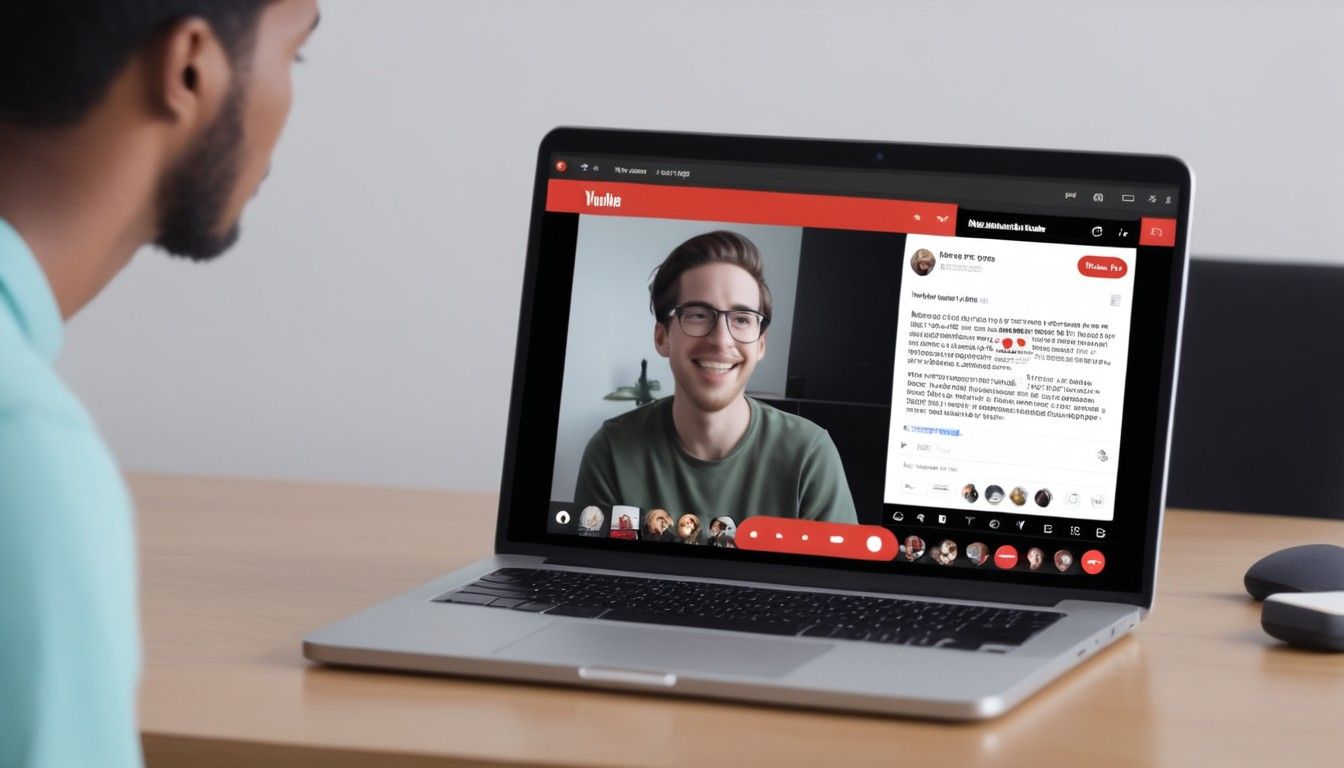
How to View YouTube Caption Transcript
The easiest way to see YouTube transcripts is by clicking on View Transcript on YouTube. You will see the full transcript of the video, together with its timestamps. However, this option will only be available if the original owner of the transcript created and uploaded the closed captions or subtitles to the video.
Such videos will often have a CC caption on the side. At times, the caption may even be available in multiple languages. When you follow this option, you can only copy and paste the transcript into a Word or Google Doc.
Benefits of a YouTube Transcript Generator
Using a YouTube transcript generator offers creators several benefits. These include:
- Great reach. If you have viewers who are deaf or struggle to hear, including a transcript on your YouTube videos can enable it to reach a bigger audience and increase your YouTube subscribers.
- Better SEO results. A transcript will improve your video's SEO efforts. This is because it offers a text-based context that search engines can index. Since search engines understand transcripts better than videos, it can make it easier for your videos to be discovered in the search results.
- Better analytics. If you are using analytic tools to track the performance of your videos, transcripts can make it easier for the tools to understand some details of your videos, such as keywords.
- Translation. A transcript makes it easier for you to translate your video into a different language. In turn, you can reach a bigger audience and cater to viewers who prefer viewing videos in their native languages.
- Repurposing of content. If you have plans to repurpose your content into other formats, transcripts make it easier to do that. This is because it will add to the accuracy and consistency of the text.
- Easier editing. Transcripts serve as a point of reference that makes it easier to review and edit your video content. You can also proofread your content on the transcript and correct areas that need correction.
- Better learning and comprehension. If you post educational or complex content, getting spelling for certain words can be challenging. When you have a video transcript, viewers can easily read along as they watch, improving comprehension, understanding, and engagement. This way, you can jump-grow your YouTube channel.
Best Tools to Create YouTube Transcripts
There are third-party tools that make it easy to generate your YouTube transcripts. Here are the top 5 options:
Rev
If you need your transcript written by real humans, ensuring top-level accuracy, consider Rev. In fact, it is one of the most popular online transcript generation platforms with YouTube content creators because of its high accuracy level and fast turnaround time.
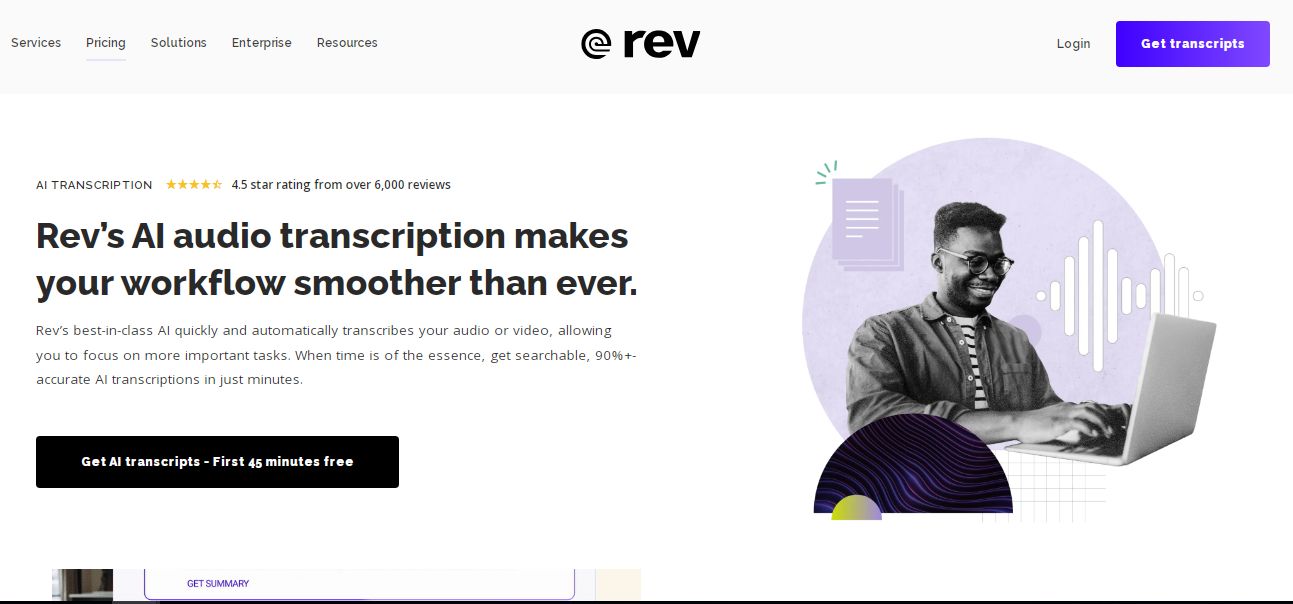
The platform boasts thousands of human transcribers who will deliver your transcribed files quickly and efficiently. Whether you want to transcribe video or audio material, Rev will enable you to do that. Besides, Rev is a user-friendly platform that allows you to upload your content directly to YouTube.
Pros
- Fast and efficient services.
- Lots of flexibility. You can pay more for a faster turnaround time.
- Easy to use.
Cons
- More expensive than other software.
Transkriptor
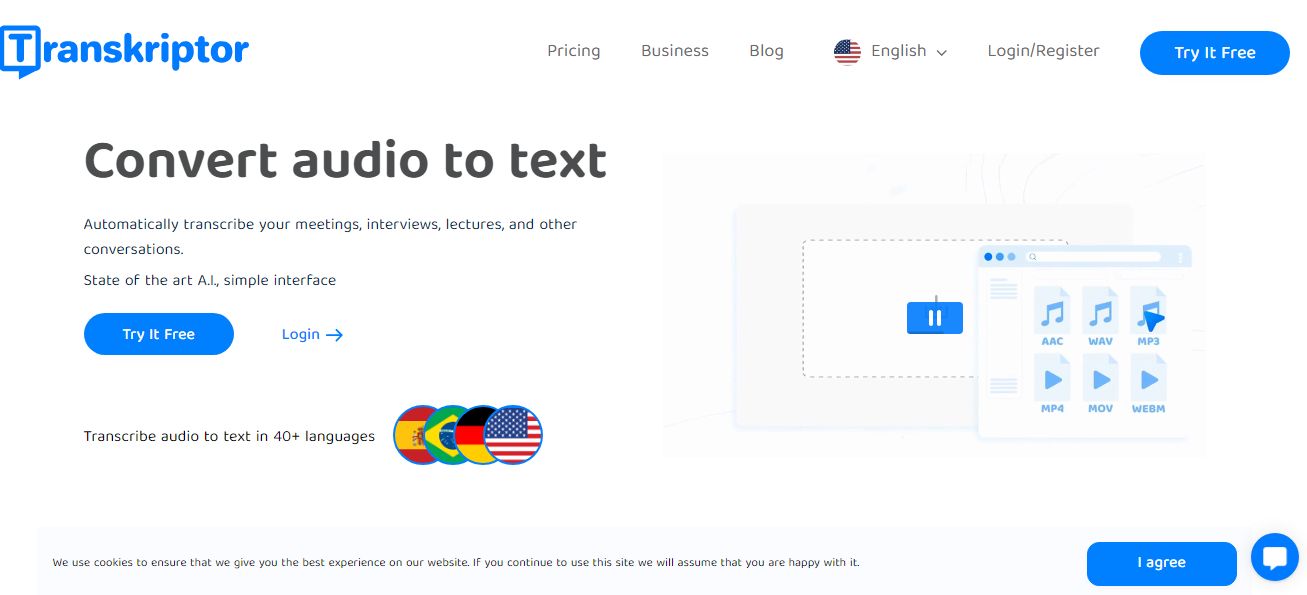
Transkriptor is an online software that uses AI to change video into text. Whether it's a YouTube video, a Zoom meeting, or a podcast, the web application tool will enable you to transcribe the file quickly. Since the tool is powered by high-tech AI technology, users can expect a high accuracy rate of up to 99%. However, this also depends on the audio quality and the language.
When it comes to the turnaround time, you can expect the tool to transcribe the file in about half the length of the video. For instance, if you have a 20-minute video, you can expect it to be transcribed in10 minutes.
Pros
- More affordable than Rev.
- High accuracy rate.
- Considerably fast turnaround time.
Cons
- Limited hours in the lower-end plans.
Transkriptor offers several monthly plans with different numbers of hours, so check its website for current prices. Using this tool to add a transcript with keywords is an easy way to help rank your YouTube videos.
Happy Scriber
Happy Scriber is another tool offering automated YouTube transcription services with a high accuracy rate. This tool lets you quickly and accurately convert your video and audio content into YouTube transcripts. To improve the editing of your transcript, it has incorporated a text editor feature and an audio player. Besides, it has a pretty easy-to-use interface.
Pros
- Customizable settings.
- Affordable.
- User-friendly interface.
- Great customer support.
Cons
- High restrictions in the trial version.
If you decide to do your transcription manually, the tool has the features to make your work easier and faster. Therefore, HappyScribe is a great tool that caters to the diverse needs of YouTube creators. You can test it with a free trial before you pay. With an accuracy rate of above 95%, it's worth trying.
Notta
This is another free transcription software that will help you transcribe your video into text. You can even use the tool to record audio on your phone or PC while the tool transcribes on your behalf. The transcription software also allows uploading different file formats such as Mp4,.Mp3,.wav, and .avi.
The software is arguably the fastest on our list, as it will quickly transcribe a 2-hour file within 10 minutes. It has an accuracy rate of 98%, making it fast and efficient. You can even sync it with your calendar so that it will record your Google Meet, Zoom, or Microsoft Teams meetings. After your meeting is over, you will have your transcribed file ready.
Pros
- High accuracy rate.
- Fast and efficient.
- Supports different types of files.
- Ability to transcribe and record videos in real time.
Cons
- Limited free version.
Notta is an excellent alternative to manual transcription services. Besides, you can create a personal dictionary for better transcription results.
Sonix
With free 30 minutes of video transcript generation, Sonix is another tool that will make it easier to generate your YouTube transcripts. The software supports over 30 languages, allowing you to convert your video and audio files into text. It is web-based, so you do not need to install software or download an app.
Besides, Sonix features an inbuilt editor to correct errors after transcribing your files. You can also use the editor to add subtitles and captions to your video. With an AI-powered translation tool, you can easily translate your document to your preferred language.
Pros
- Gives a link for video embedding.
- Supports different languages.
- The translation feature is great.
Cons
- The price is higher than other software on our list.
With this tool, you can create stunning YouTube videos with unmatched transcripts.

How to Select the Right Video Transcript Generation Software
When searching for the right software to generate a transcript for your YouTube file, there are several factors you need to consider. These include:
- Software accuracy. We mentioned earlier that you only need third-party software because the YouTube transcription generator isn't very accurate. Therefore, if your third-party tool is inaccurate, it will serve no purpose. This is why you must select a tool with a high accuracy rate. This will also save you much time you would otherwise spend editing the transcript.
- Speed. You don’t want to spend hours waiting for the software to complete generating your YouTube transcript. This is why you also want to consider its speed. Remember that many tools promise a fast delivery speed but will not deliver that fast. Therefore, you should read independent reviews on sites like TrustPilot to determine its speed.
- Security. Remember that you are uploading your file to a third-party site. Therefore, you want to be assured that your file is well secured. You also want to ensure that they protect data in line with different data protection laws such as CCPA and GDPR.
- Language supported. A good YouTube caption transcript generation tool should be able to support different languages. This can prove helpful if you would like to translate your file from one language to another for a wider reach.
- Timestamps. It would be helpful if the tool allowed you to include timestamps and speakers in the document. Such options will make the document more valuable and make adding subtitles easier.
Final Thoughts
Adding a YouTube caption transcript can make your video more helpful. If you have tried the YouTube transcript generator and are not getting the desired results, you can try one of the above tools. With these top YouTube transcript tools, you can quickly increase your YouTube views.