
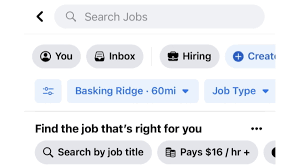
Whether you’re hiring in-house or expecting referrals from friends, networking is an essential part of the job search process. That’s why utilizing social media platforms like Facebook is so important. It can be a great way to find qualified candidates, not to mention it's free! But before you jump in, there are a few things you need to know about posting a job on Facebook. It’s not as simple as just typing your job description and hitting post; there’s a process you need to follow if you want your job listing to be successful.
In this article, we'll share everything you need to know about posting a job on Facebook, from setting up your account to optimizing your posting strategy. We'll also provide tips on how to make your post stand out from the thousands of other listings already out there and attract qualified candidates.
What You Should Include in Your Job Post
Posting a job on Facebook can be an effective way to reach potential candidates and promote your company's mission. To get the most out of your post, you'll want to make sure that you include all the necessary information.
Here are the key elements to include in your job post:
- A brief description of the job and its duties
- The required qualifications for the position
- Any special experience or skills needed
- Salary range (several US states, like California, Colorado, New York and Washington, require it in job ads)
- A link to your website or application form to apply
- Your company's contact information in case of any questions.
If you include appropriate details, you can attract quality applicants who fit your job criteria and the culture of your organization. With this information, potential hires will have enough information to make an informed decision about whether they want to apply for the role or not.
What Type of Jobs Can You Post?
When it comes to posting a job on Facebook, there is a wide variety of positions you can post - think office jobs, sales positions, customer service roles, teaching jobs and more. You can also post entry-level roles, internships or even freelance/remote work opportunities.
Depending on the type of job you are posting or the level of experience you are looking for, you can customize the position requirements within your post. You can select from different categories - part-time/contract/seasonal versus full time - and add any language skills that may be needed for the role. Additionally, based on the sections of Facebook where you decide to post your job (more on this in a bit) you’ll be able to specify whether you’re looking for local candidates or if remote work is also an option. So when it comes to what kind of jobs you can post on Facebook, the answer is that it really depends - if you’re a small business looking to hire someone part-time or if your company is hosting multiple job fairs and have several open positions, feel free to share them all!
Tips for Writing an Effective Job Post on Facebook
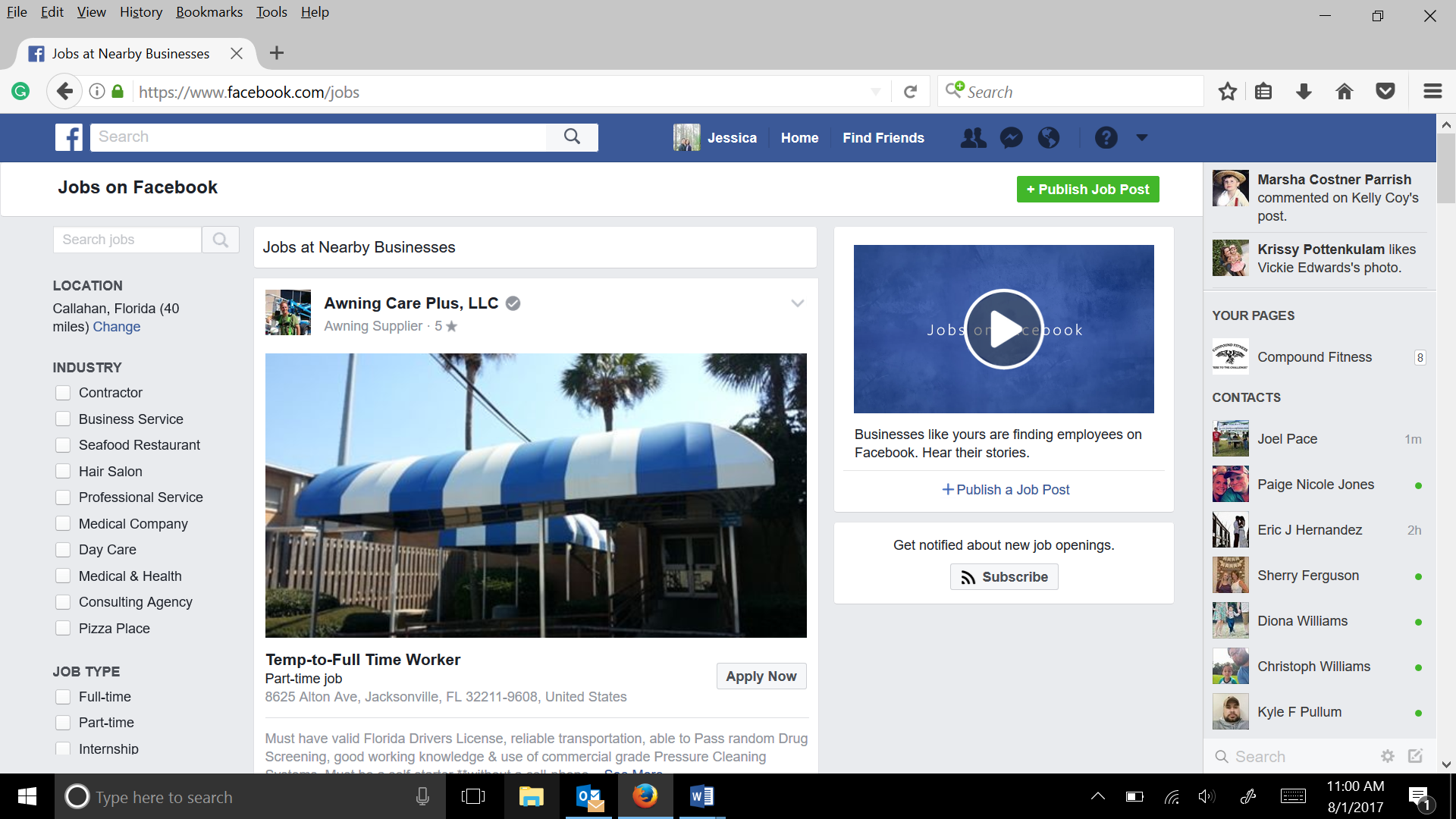
If you want your job post to be noticed on Facebook, here are a few tips to keep in mind.
Keep it Short and Sweet
Facebook posts should be concise and to the point—no one's got time for a lengthy job posting. Get straight to the key points—location, title and brief description—right away. You can also include a link to an external website with more details if you need more space.
Showcase Your Brand
Your post is an opportunity to show off your brand and highlight what makes you unique. Use creative language that will captivate your potential applicant’s attention, reflect the culture of your organization and give an insight into what it would be like to work with you.
Add Visuals for Impact
Facebook moves fast, so it’s important to make sure your post stands out from the competition. Adding visuals such as logos or images associated with the job can capture people’s attention and give them a sense of what they’re joining by working with you.
These are just some tips that'll help get your job post noticed on Facebook—so make sure you make a great first impression!
How to Use Facebook Ads Manager Settings to Target the Right Audience
Are you ready to reach the right people with your job post? Facebook Ads Manager can help, but job ads follow special rules. In the US, Canada and many other countries, ads for jobs belong to Meta's Special Ad Category for employment. You can't target people by age, gender or zip code, and some detailed targeting options are not available. These rules exist because job ads must not exclude people unfairly.
Within these limits, you can still work with:
- Location – target a country, region or city. For employment ads, Meta uses a radius of at least 15 miles around a location.
- Language – show the ad to people who speak the language the job requires.
- Interests – a limited set of interest options is available, so pick the ones that really fit the job.
- Connections - Facebook allows you to target people who are already connected with your page or event.
- Custom Audiences – create an audience based on a list of contacts that you upload to Facebook (emails, phone numbers & more).
Even with these limits, a clear job title, a good image and the right location go a long way, and the rules make sure everyone who could do the job gets a fair chance to see it.
How to Measure the Success of Your Facebook Job Posting
Another great thing about posting your job on Facebook is that you can measure how successful it is. This way, you know if it's worth doing again or not.
Tracking link
The easiest way to measure the success of your post is with a tracking link. When you post your job to Facebook, include a special tracking link in the post that links back to your website or job listing page. Whenever someone clicks on the link, you can track where they came from, how many people are clicking on it, and other useful metrics.
View counts
Another metric to look at is how many views your post received. Facebook will tell you the number of people who viewed your post, which can be helpful for gaging how many people are interested in the job you posted. If you had a lot of views but no click-throughs, it may be time to update your copy or offer a more enticing benefit package!
Measuring the success of your Facebook job postings will help you understand what works and what doesn't—so don’t forget to track those stats! With these tips in mind you’ll be able to post effective job ads that get results and help grow your business.
Best Practices for Posting Your Jobs on Facebook
You're almost ready to post your job on Facebook. Here are a few best practices to make sure you get the most out of your postings.
Keep it brief
Facebook is a great way to reach a large audience, but it doesn't have infinite scrolling capacity, so keep your postings and descriptions as simple and concise as possible. Provide only key details about the job responsibilities, qualifications and requirements in the post, with a link to your website or careers page for more detailed information.
Leverage visuals
Facebook is all about visuals—it's likely that people won't even read your post if they don't find an accompanying image or video compelling! Make sure you include a relevant photo or video that captures attention and highlights what makes the job attractive or unique.
Share it often
You will not get maximum exposure if you post once and forget about it—you need to share regularly! Try reposting twice every week with different copy each time, as well as boosting posts with targeted ads for even better results. This will help keep your job postings top-of-mind for potential applicants who might be ready to apply in the near future.
Finally, make sure you track responses so that you can understand what works and what doesn't, and adjust accordingly. Good luck!
Monitor and Respond to Applications Quickly
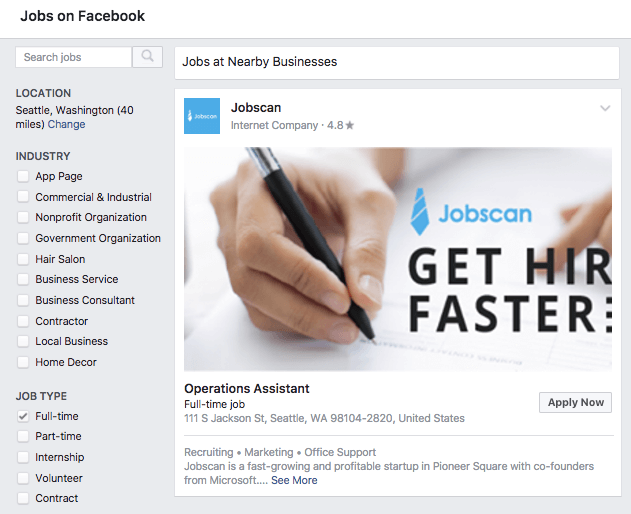
Part of the power of using Facebook to post a job is how quickly you can talk to applicants. As soon as you post your job, check the comments and messages regularly and answer questions fast. Use the link to your application form to collect applications in one place, so you can review them properly and treat every candidate the same way.
Responding in a timely manner not only looks good for your brand, but it also increases the likelihood that you'll get great candidates who put the time and effort into applying for your position. You can also use Facebook's messaging feature to reach out directly to qualified candidates who may have missed seeing your posting or are late in applying. This will give you even more chances of finding the best candidate for your job!
FAQs
You've decided to post your job on Facebook and you're feeling pretty good about it. But, before you hit the "Post" button, it's important to make sure you know the answers to some common questions about posting jobs on Facebook. Here are a few of the most frequently asked questions (FAQs):
Is Posting a Job on Facebook Free?
Yes, if you share it on your page or in relevant groups. Facebook closed its separate Jobs feature in 2022, so today you either post the job as a normal post or pay to promote it as an ad.
How Long Does It Take?
Once you've built your job posting and clicked "Post," it usually takes only a few minutes for your job to show up in everyone’s news feed. How fast applications come in depends on the job, your location and how many people see the post.
Does Facebook Have Any Recruiting Tools?
Not anymore in the way it used to. Facebook's Jobs feature, where people could apply directly on Facebook, was shut down in 2022. Today most employers post jobs on their page and in local groups, link to an application form on their website and use ads to reach more people.
Conclusion
Posting a job on Facebook is a great way to reach a wider audience and find the perfect candidate for the job. With just a few simple steps and a few clicks, you can easily create a job posting and get it out to millions of potential applicants. Whether you’re a small business or large corporation, Facebook will help you reach far and wide to find the ideal candidate for the job. So what are you waiting for? Post a job on Facebook today!


