
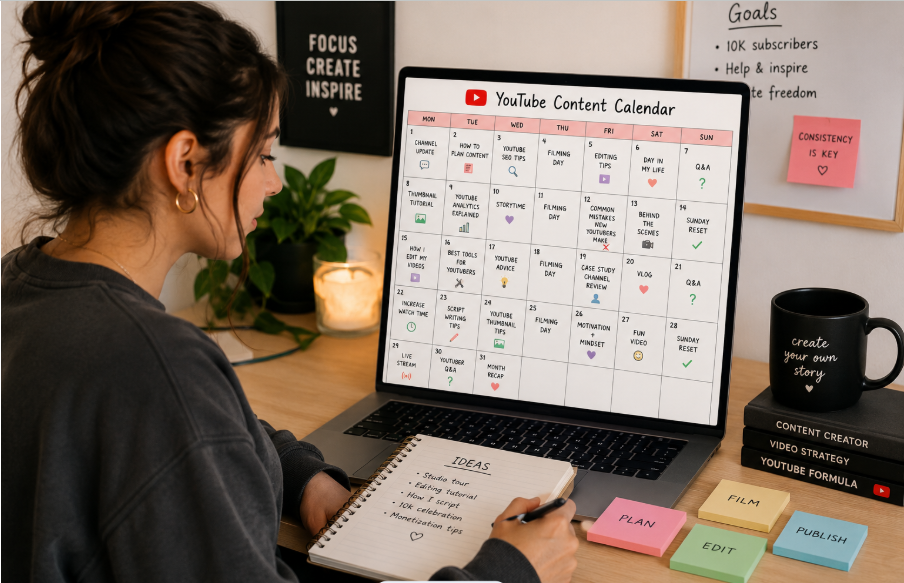
If you want to grow as a YouTuber, you need to ensure that you are consistently creating content. A consistent posting schedule enables the YouTube algorithm to better understand your channel, which improves its recommendations and visibility. It also enables you to increase the level of user loyalty, as you establish a more predictable routine that generates data and feedback to continue improving your content.
If you are posting without a plan, it can be difficult to establish a consistent posting schedule. That's why you need a content calendar as part of your YouTube content strategy to drive engagement and grow your channel. In this article, we guide you on how to create a consistent posting schedule.
What is a YouTube Content Calendar?
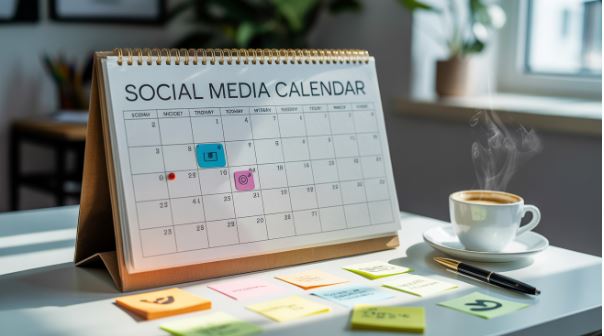
A content calendar is a plan outlining the kind of content to post on your YouTube channel and when. It helps ensure that you don't miss the uploading deadlines, try to scramble to get video ideas, or lose touch with your audience. It outlines your video creations and upload strategy.
A content calendar includes all the important details that need to be added to a video, such as the topic of the video, production stage, target keywords, and publication date. This enables the creator to maintain a consistent schedule for video uploads.
Importance of a YouTube Content Calendar
A content calendar is an important part of daily, weekly or monthly content planning. If you are wondering whether it is worth having a YouTube content calendar, here are several reasons to consider having one:
Ensure Consistency in Content Creation
If you want to keep your audience engaged, you need to post regularly. With a content calendar, you can plan your content upload early enough, ensuring that you remain consistent even on those busy days.
A content calendar will ensure you have brand consistency in different ways, such as:
- Planning content ahead of time to ensure you have a steady flow of content on different platforms that will drive your audience engagement.
- Ensure a better balance between different kinds of content, such as educational, entertaining, and promotional content.
- Ensure a consistent brand voice across different platforms and pieces.
Streamline Video Planning
When you have a content calendar, you can easily organize your videos in a way that creates relevant and diverse content to appeal to viewers. It streamlines the entire content calendar, providing an overview of the upcoming events, responsibilities, and deadlines to ensure that the different team members are in sync.
The calendar will outline the people responsible for the different pieces from ideation to the creation and publication. It includes the different stages of the content creation, such as drafting, design, editing, and approval, ensuring the transition between the different stages is smooth. When you see the full scope of your planned content, it becomes easier for managers to allocate their resources and prevent any bottlenecks.
Higher Level of Audience Engagement
A consistent posting schedule ensures that your audience knows when to expect content on your channel. They can trust your content, enabling them to interact more with your content through likes, shares, and comments. It can also provide you with important insights into the best time for posting on YouTube.
Better Content Strategy
When you have a structured plan, it's possible to align your content with important dates, specific goals, and seasonal content marketing strategies, ensuring maximum impact and relevance. Each content piece can be aligned with a particular marketing objective, such as educating consumers, generating leads, and driving brand awareness.
Therefore, when you have a well-planned content calendar, it aligns better with your overall marketing goals. Through a strategic content mapping strategy, you can ensure that your content addresses the needs at different stages of the sales journey. Therefore, you can have a more cohesive YouTube content strategy that takes your brand to the next level.
Steps in Creating a YouTube Content Calendar
To create an outstanding content calendar, follow these steps:
Choose an Upload Schedule
Before you create a content schedule, you need to determine how often you need to upload content. The right schedule will depend on your team and industry. For instance, if you are a travel vlogger, you can go with three uploads per week. On the other hand, an SEO agency provides website optimization tips that can help you post one video per week. A musician can go for several months before uploading.
Also, consider your current resources. If you are a one-person show, you need to ensure you have a realistic schedule. In all, ensure that you select a working schedule that will work for your team and industry. For instance, you can choose to post on Monday, Wednesday, and Friday. For the best results, you can leverage the best tools for content planning.
Determine Your Video Ideas and Topics
You will need to determine the video ideas and topics that will work for your audience. Unless you have enough video topics, you might run out of ideas.
There are several ways to generate your video ideas, such as:
- Trending topics. You need to remain updated on viral topics and trends within the niche to be in a better position for creating relevant and timely content.
- Evergreen content. Create room for videos that will attract viewers in the long run, such as how-to guides, tutorials, and educational content. These video formats will continue performing well years after their posting.
- Audience feedback. Go through the comments section of your video, polls, and surveys to understand the kind of content users want to view. If they are already interested in a topic, it can be your guide in the content creation process.
- Online forums. Platforms such as Reddit, Quora, AnswerThePublic, and Facebook groups can provide insights into the topics that people are interested in learning more about in your niche. Pay attention to the one generating a lot of upvotes, likes, and comments.
- YouTube search bar. You can use the autocomplete feature on YouTube to find relevant keywords that people are searching for answers on. Simply start typing and let the auto-suggest feature provide the relevant keywords.
Now that you have gotten your upload schedule right, you can go ahead and create room for upcoming product launches, offers, and promotions.
Add Video to the Calendar
After determining the content to create and adding room for product launches, offers, and promotions, you now have an idea of the content that will go live each week.
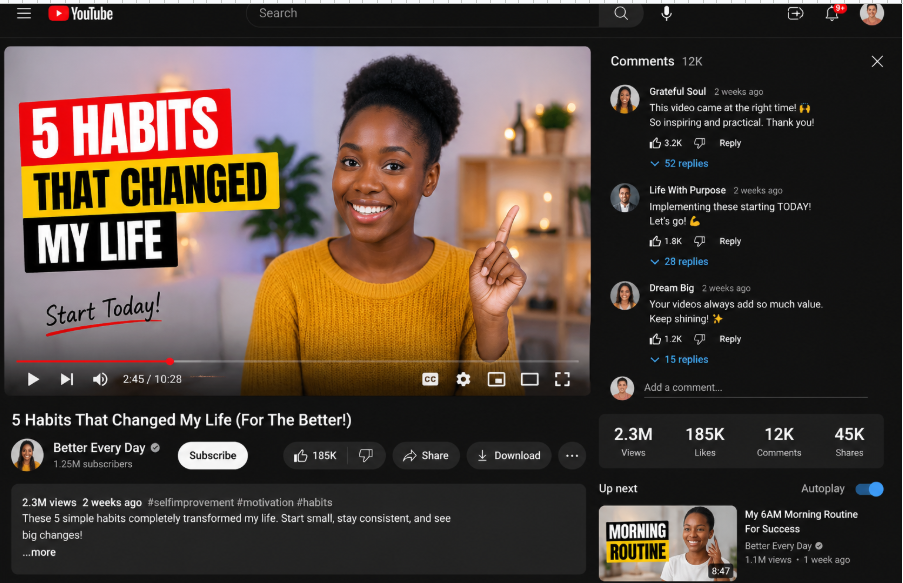
Some of the key details to add to your YouTube content calendar include:
- Video topic and title. What is the overarching theme of the video, and what is its title?
- Content type and format. Is the video long-form, short, or a live stream?
- Publishing time and date. What date and time do you plan for the video to go live?
- Target audience and keywords. The primary and secondary keywords.
Ensuring Consistent Posting
Scheduling your YouTube videos will ensure that you maintain consistency. There are several tips you can use to better schedule the content. These are:
- Determine the right posting frequency. Determine if your goal should be to upload weekly, bi-weekly, etc. Remain realistic about the amount of content you can create without compromising on the quality.
- Choose the best posting time. Check YouTube analytics to determine when your audience is more active on YouTube. When you post at the right time, you can increase the chances of your videos being seen.
- Batch production. Make sure your content is batched so that you can plan several videos at the same time to enable your schedule to remain on track.
Keep Reviewing and Adjusting
Just because you created a content calendar doesn't mean you need to rigidly stick with it. You need to keep it dynamic so that it will keep evolving to match your marketing needs. While it can help to create a structured plan, you also need to ensure that you remain flexible. At times, trends will shift, your business goals will change, and you will encounter unexpected events.
That means you need to regularly review your content calendar to ensure that it remains engaging and relevant. For instance, you might notice that there are some upcoming posts that don't align with the direction of your brand. You, therefore, need to align it with something that is more timely. On the other hand, when you notice that there is a type of content that is doing exceptionally well, you can change your strategy to create more of it.
Schedule your content monthly or quarterly to assess its effectiveness. You can track important metrics like conversion rate, engagement rate, and social shares to determine if there are any necessary changes.
In Conclusion
If you want to maintain a consistent posting schedule, drive audience engagement, and grow your channel, you need to leverage a content calendar. The tool will help you to plan your videos, schedule when the content goes live, and streamline your content creation to achieve your desired goal. When you remain consistent and have a good strategy, you can have a more organized channel that will result in sustained growth. This is especially true when you understand how to create 30 days of content in one day.


